 Debian Trixie with the mate desktop still rocking harder than ubuntu.
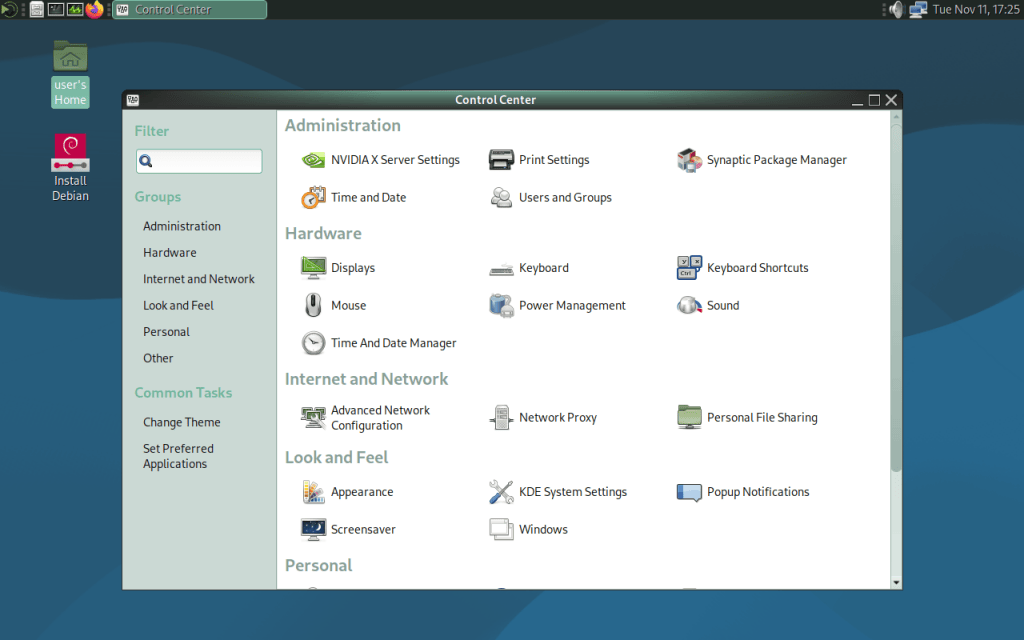
Another release?
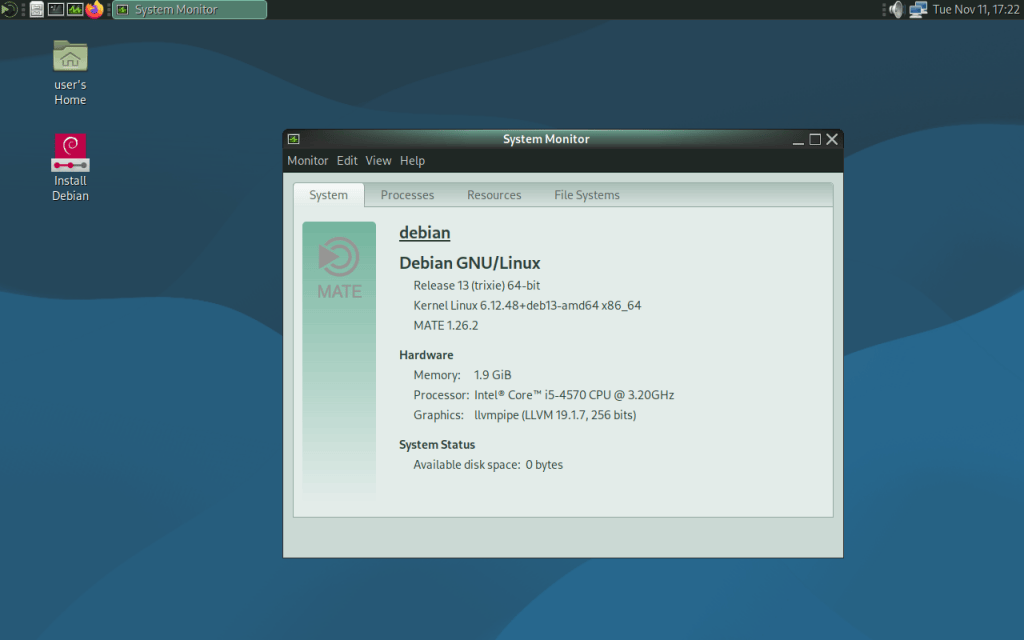
Yes another release. Contains bug fixes, runs slightly faster, and it’s debian 13 trixie under the hood.
============================================================================
64BIT ONLY
Debian dropped 32bit support with the release of debian 13 Trixie. Debian is now only 64bit.
LIVE SESSION
Password for the live session is “live”.
CALAMARES INSTALLER
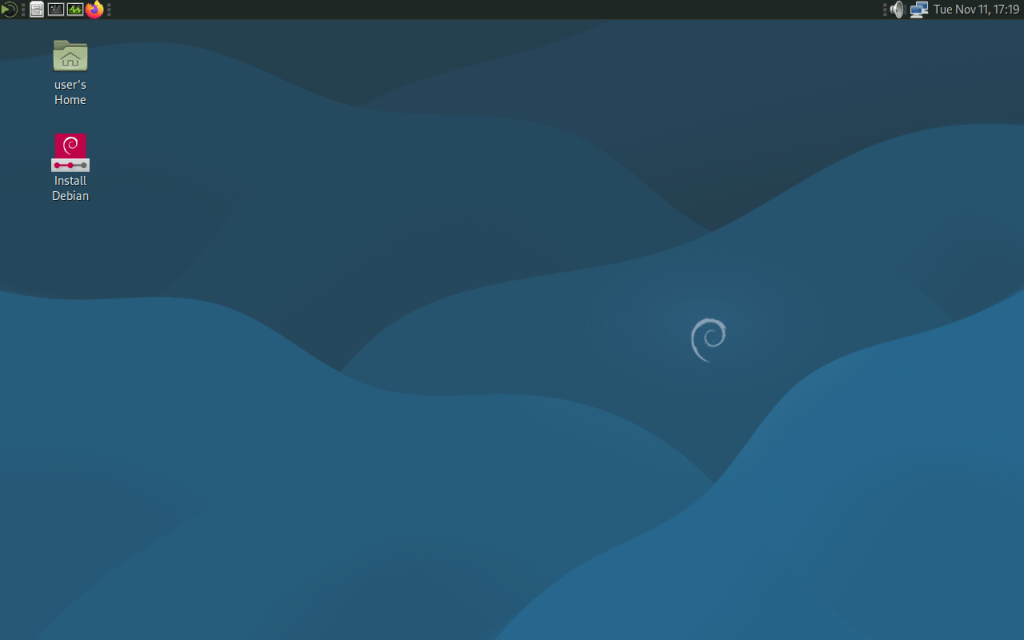
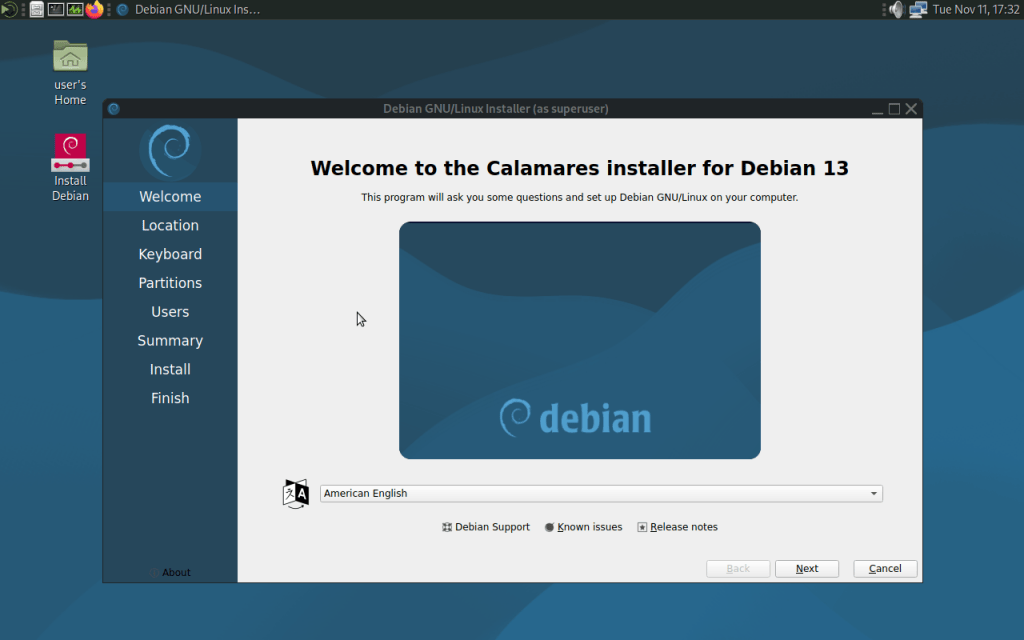
The debian installer was deemed too problematic; I chose the calamares installer. If you want to install, boot the live session, and then run the installer found on the desktop.
POST INSTALLATION
Because the new installer doesn’t let you set a root password. Use the “sudo” command for administration.
EFI SUPPORT
EFI or known as UEFI support is present. If you want to install on an system with encrypted boot, download the images that have “efi” in the file name.
ENCRYPTION AND ANONYMITY
I always include tor and openvpn, now also included is wireguard for extra vpn protocol support. One can easily connect to tor network for anonymity, and openvpn and wireguard vpn servers can be connected to; or make an openvpn or wireguard vpn server.
RELEASE AND PROJECT NAMING
There’s too many old “debian mate” distributions on sourceforge that aren’t updated. I regularly update, and you can tell by looking at the name of the current version. This is still “debian mate” as how I intended.
============================================================================
Booting the install image?
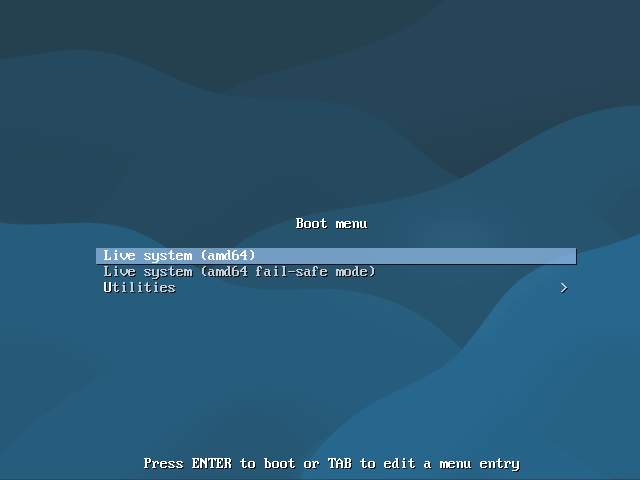
No need to burn to cd if you have a flash drive, and even no need to install first to take a look around with the “live” option in the media boot menu.
- debian13_mate_amd64_20251107 md5: b3cadf37337ea306fc615c2ab5726d78
- debian13_mate_amd64_efi_20251107 md5: af94a9bb7d3410a5a3dda42af77b3182
Package list:
- task-ssh-server
- task-laptop
- cups
- nvidia-driver
- xorg
- kmod
- laptop-mode-tools
- cryptsetup
- live-config
- systemd
- systemd-sysv
- tor
- firmware-linux-nonfree
- firmware-misc-nonfree
- firmware-realtek
- firmware-atheros
- firmware-iwlwifi
- firmware-brcm80211
- firmware-b43-installer
- printer-driver-all
- lightdm
- numlockx
- python3
- python3-venv
- python3-pip
- mate-desktop-environment-core
- caja
- caja-extensions-common
- dconf-editor
- caja-open-terminal
- mate-user-share
- mate-applets
- mate-settings-daemon
- mate-utils
- mate-control-center
- mate-notification-daemon
- gnome-system-tools
- gnome-multi-writer
- mate-screensaver
- mate-power-manager
- mate-system-monitor
- ufw
- openvpn
- wireguard
- network-manager-gnome
- samba
- hardinfo
- pavucontrol
- pluma
- firefox-esr
- thunderbird
- libreoffice-core
- libreoffice-base-core
- libreoffice-calc
- libreoffice-writer
- libreoffice-impress
- vlc
- gimp
- atril
- pidgin
- deluge
- gparted
- gdebi
- brasero
- engrampa
- galculator
- eom
- synaptic
- simple-scan
- system-config-printer
- grub-pc
- grub-efi
- frozen-bubble
- chromium-bsu
- quadrapassel
- gweled
- audacity
- xrdp
- extlinux
- onboard
- syslinux
- mtools
- bridge-utils
- exfatprogs
- exfat-fuse
- tigervnc-standalone-server
- virt-manager
- gnome-disk-utility
- remmina
- nodejs
- npm
- docker.io
- live-build
- obs-studio
- yad
- calamares-settings-debian
Old releases:
Found here

